

How to Sign In to Flipkart ?
|
Flipkart
|
2 weeks ago
|
Flipkart
5 Steps
Signing in to Flipkart allows users to access their personal account, track orders, manage addresses, view past purchases, and enjoy a personalized shopping experience. Whether using the mobile app or website, the sign-in process is quick and secure. Users simply enter their registered mobile number or email ID and verify it with an OTP. Once logged in, they can explore a wide range of products, receive exclusive deals, and enjoy faster checkouts. Flipkart’s login system ensures that user data remains safe while offering a seamless experience for returning customers ready to continue their online shopping journey.
How to Sign In to Flipkart ?
|
Flipkart
|
Flipkart
5 Steps

1
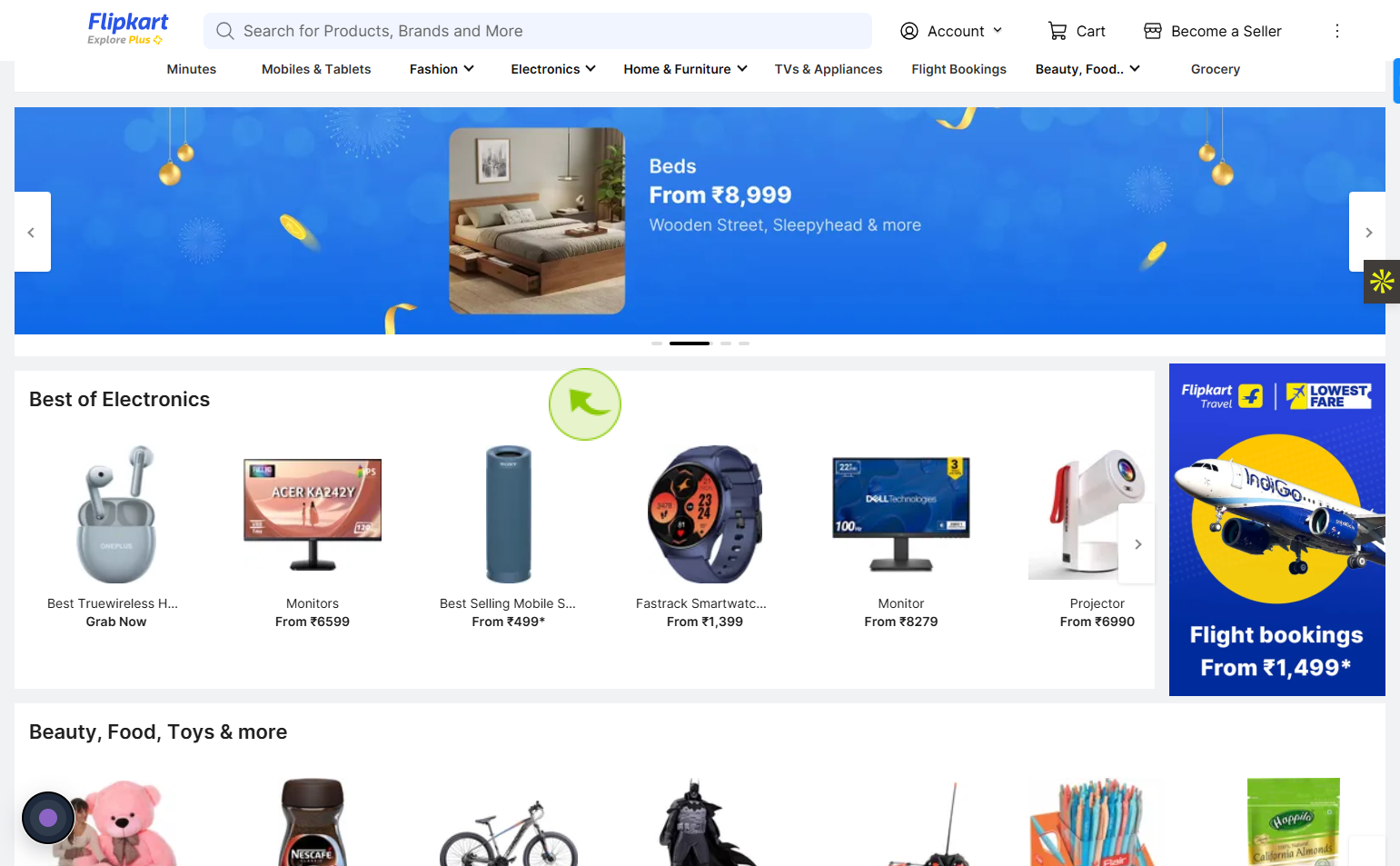
Navigate to https://www.flipkart.com/?redirectFrom=logout
2
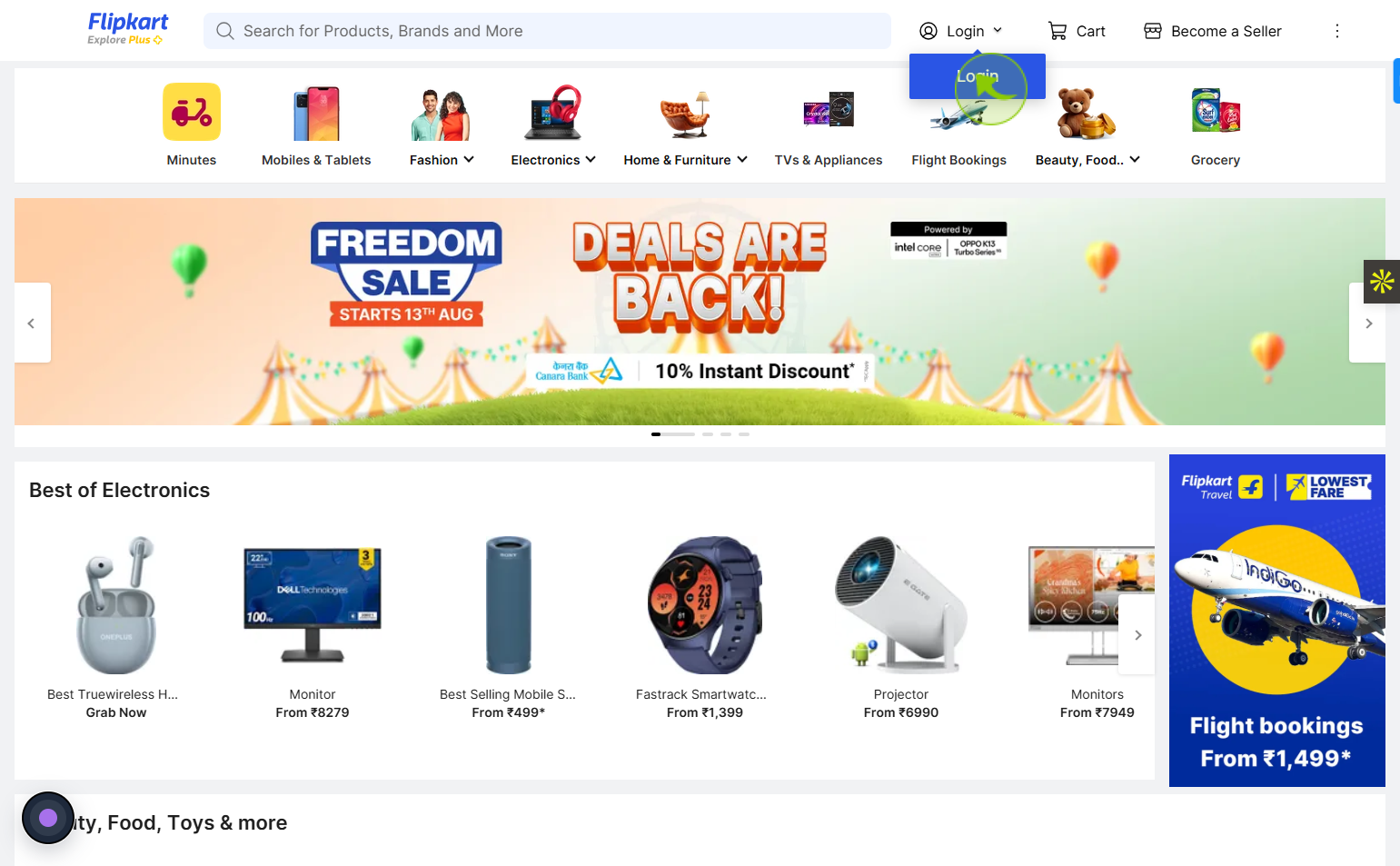
Click on the "Login"
Tap on the login button to access your Flipkart account quickly and easily.
3
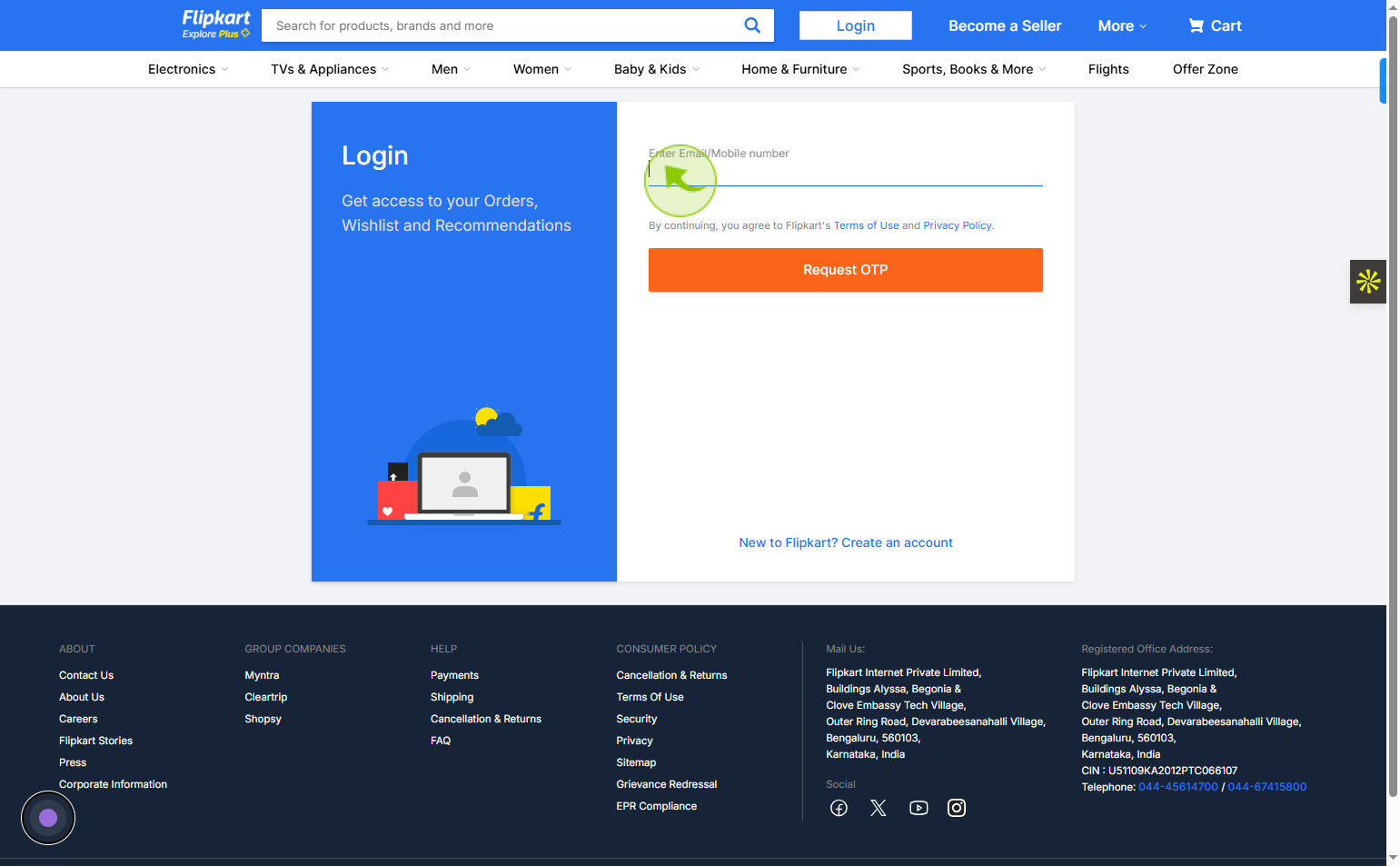
Click on the "Enter Email/Mobile number" field
Enter your email or mobile number
Ask ChatGPT
4
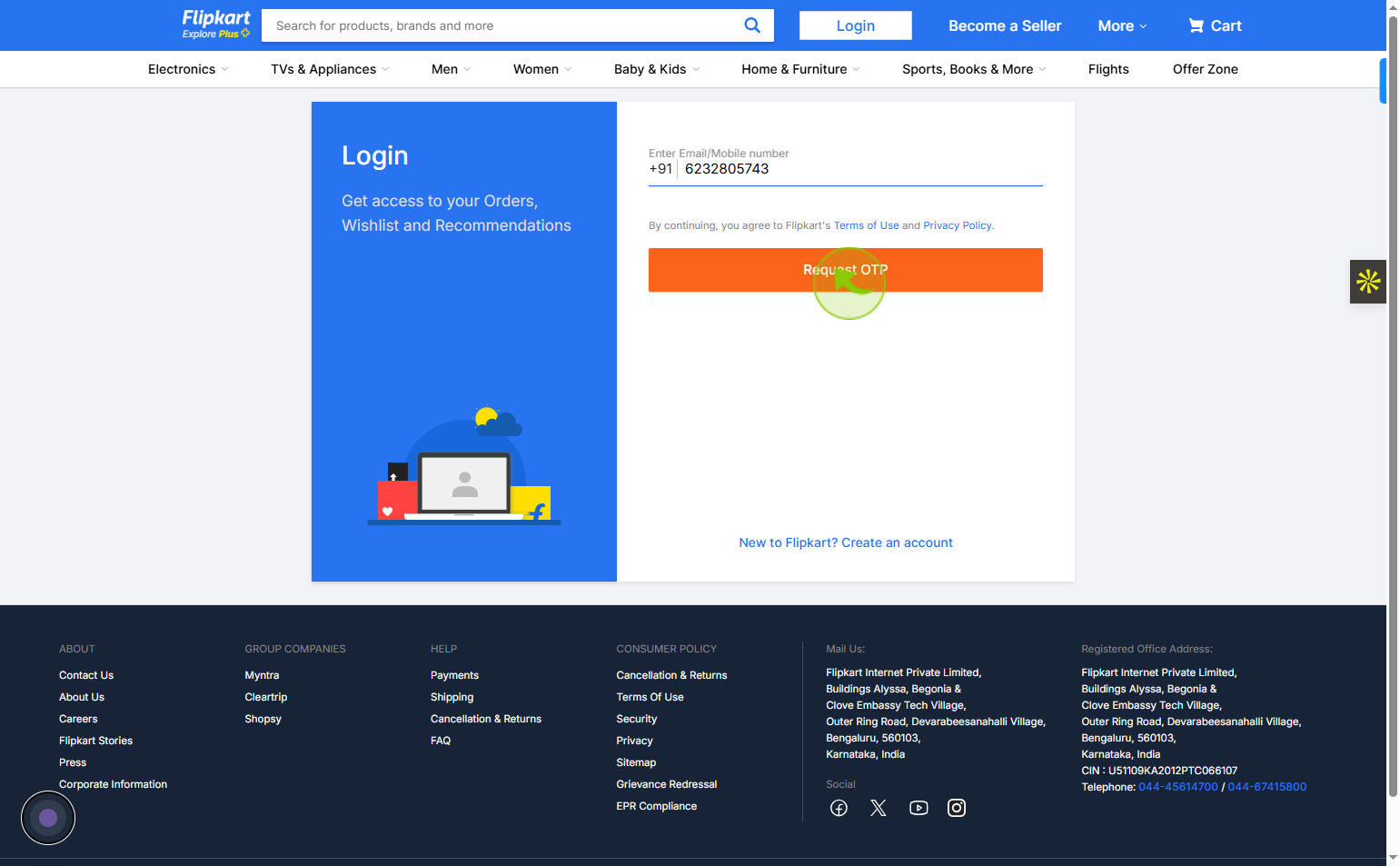
Click on the "Request OTP"
Tap on the request OTP button to receive a one-time password for verification.
5
Click on the "Best of Electronics"
Your Flipkart account is now open and ready to use.