

How to Login to Mastodon ?
|
Kopyst
|
2 weeks ago
|
Kopyst
5 Steps
Logging into Mastodon allows you to reconnect with your community and continue exploring decentralized social networking. To access your account, you’ll need to visit the specific Mastodon server (instance) you originally signed up with. Each server has its own web address, so make sure you’re logging in on the correct one. Once there, enter your username or email and password to sign in. Mastodon’s login system ensures secure access while maintaining your privacy. After logging in, you can view your feed, interact with posts, and manage your profile. It’s a smooth, secure way to stay connected online.
How to Login to Mastodon ?
|
|
5 Steps

1
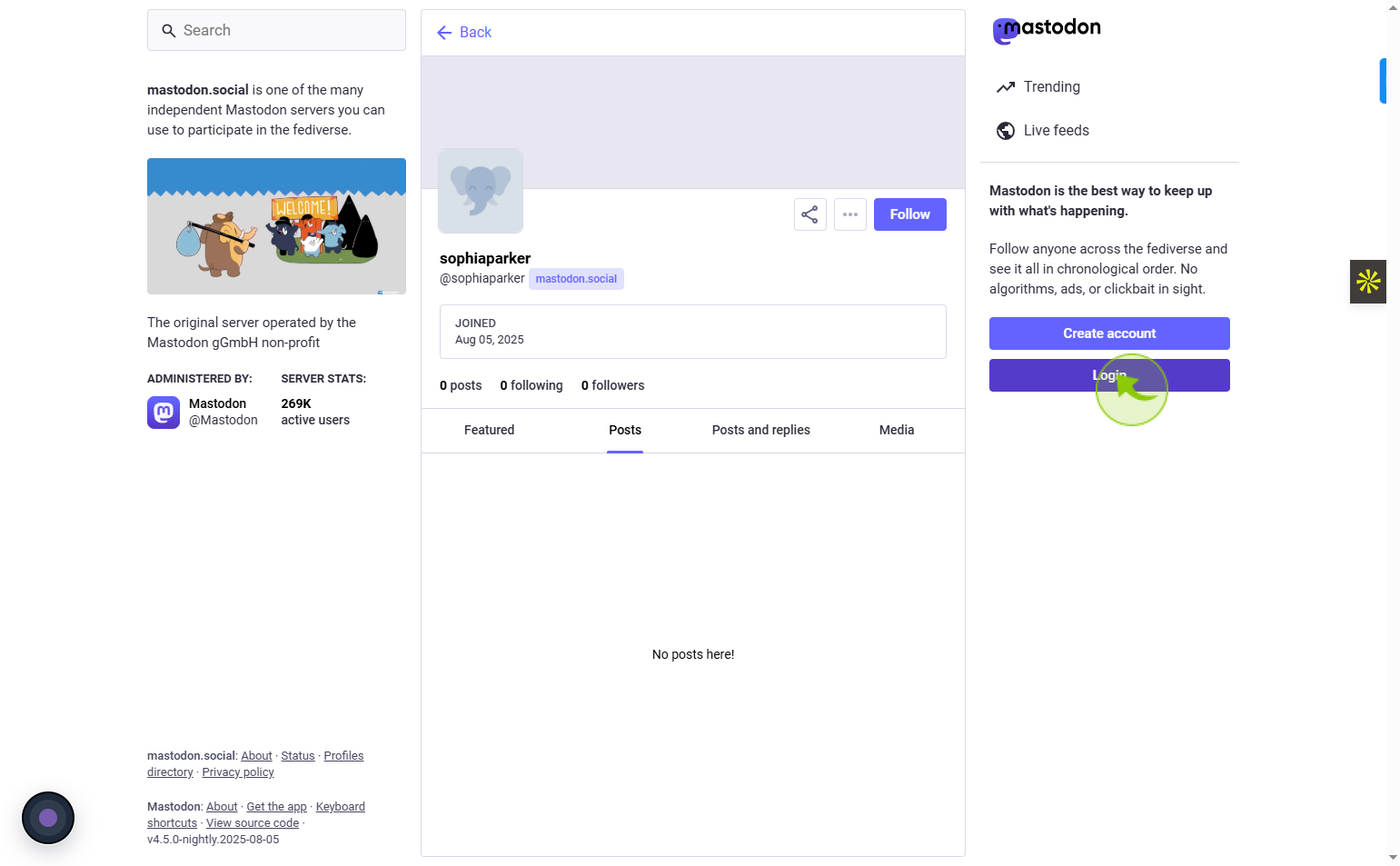
Navigate to https://mastodon.social/@sophiaparker
2
Click on te "Login"
Click login to securely access your Mastodon account and start engaging.
3
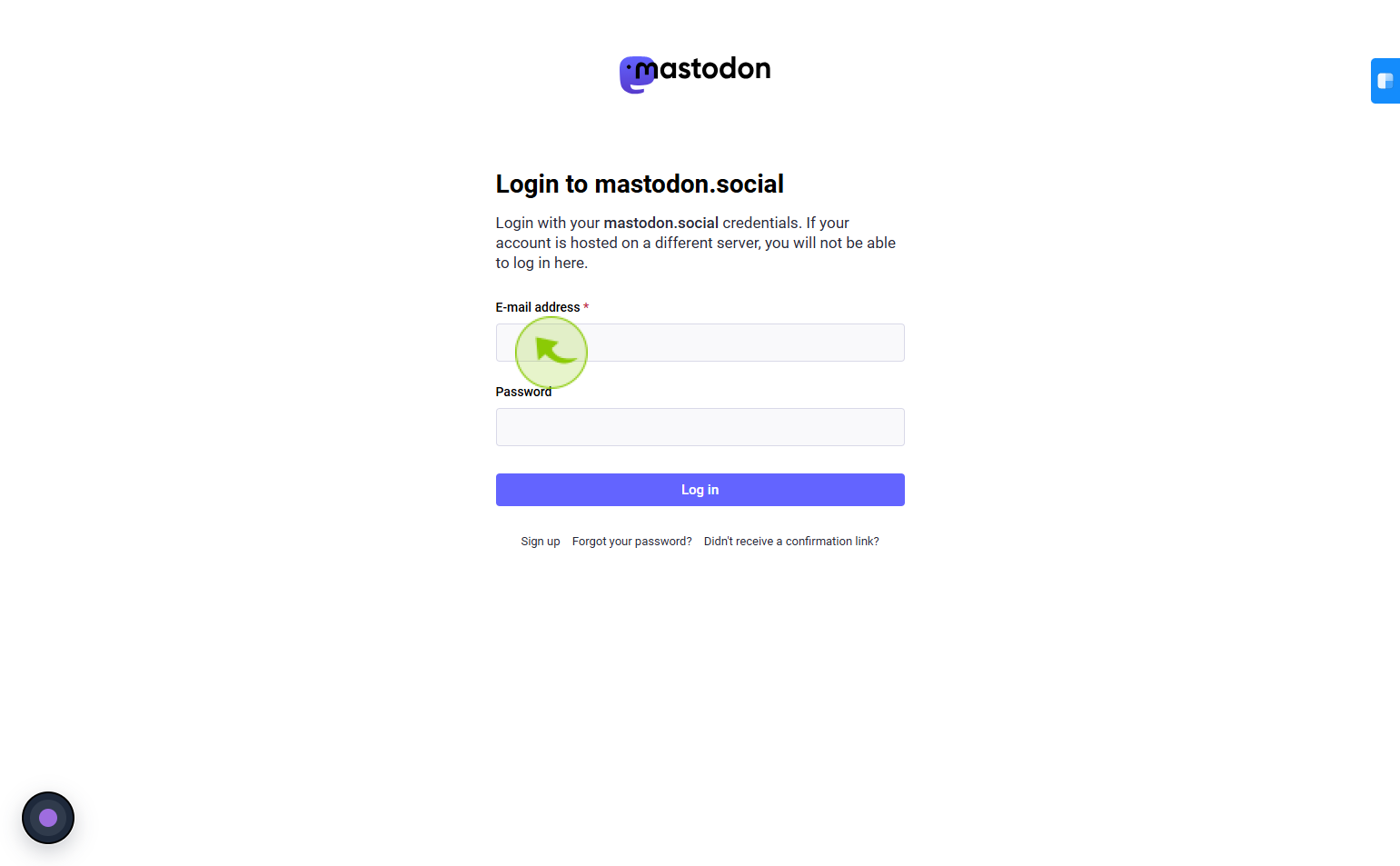
Click on the "E-mail address" field
Enter your email address
4
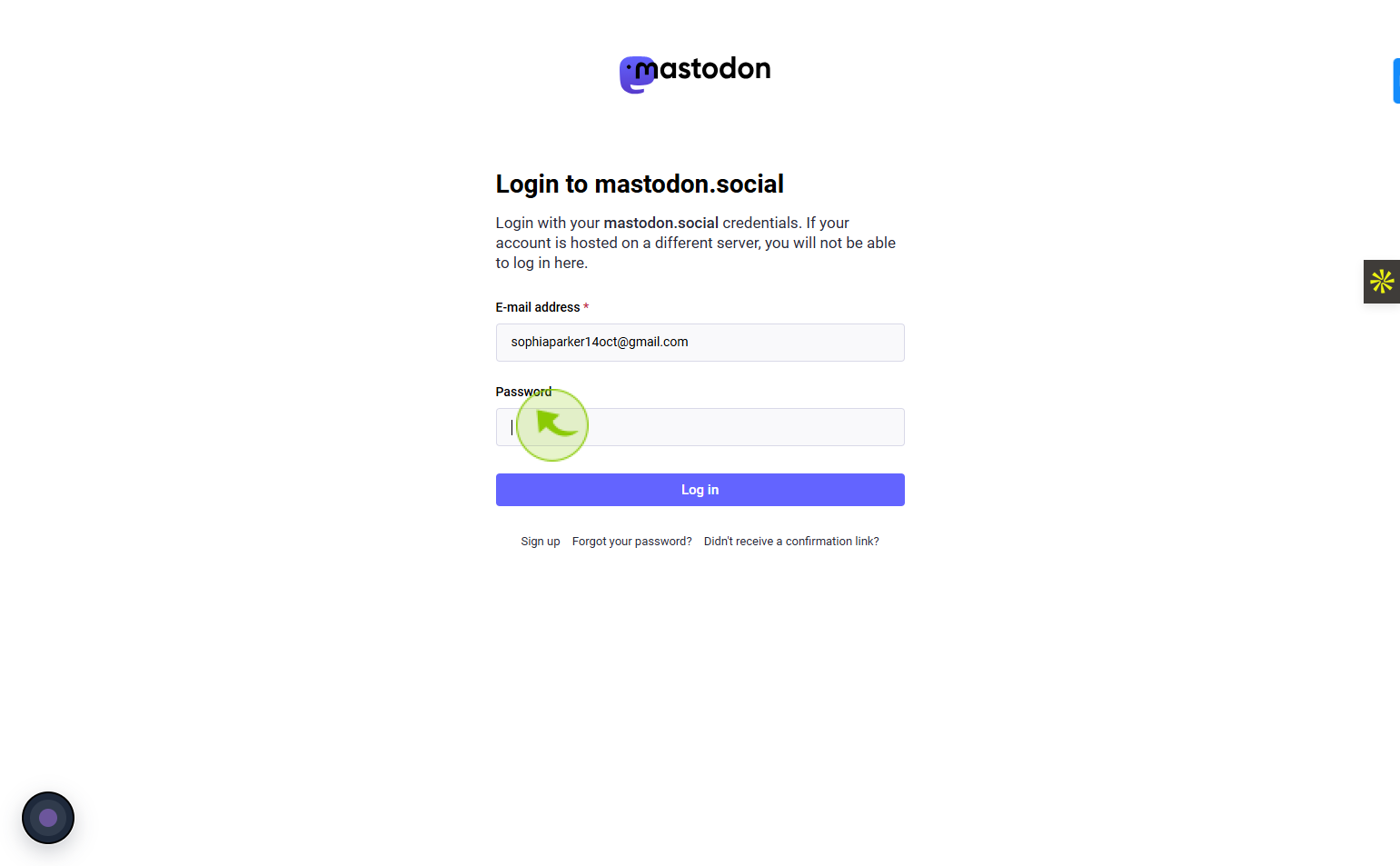
Click on the "Password" field
Enter your password
5
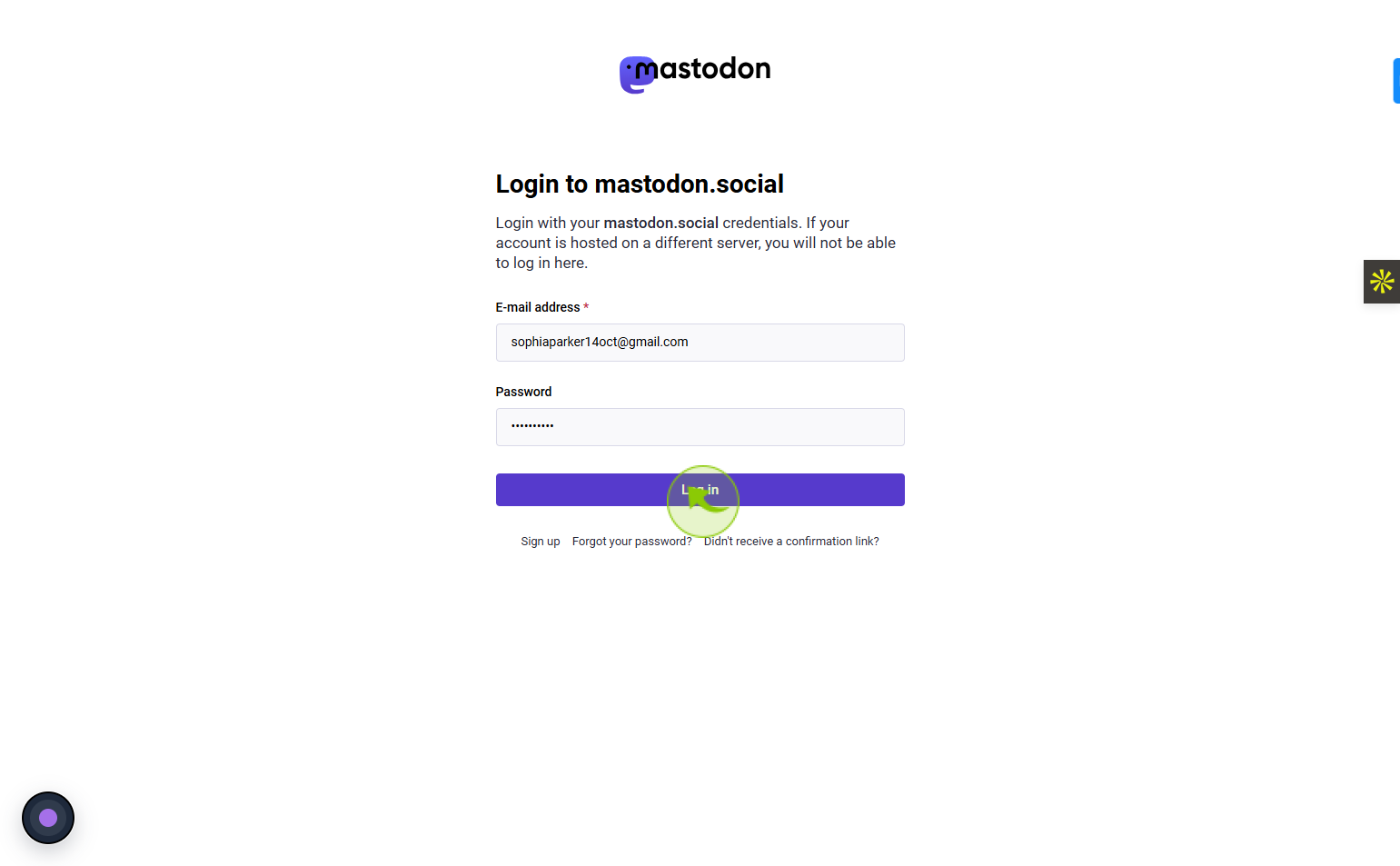
Click on the "Log in"
Click log in to enter your Mastodon account and continue browsing.